
Raspberry Pi 3 B
sudo vim /boot/config.txt
Add these parameters
gpu_mem=128
kernel=zImage
arm_freq=1375
core_freq=525
gpu_freq=525
over_voltage=3
force_turbo=1
sdram_freq=625
sdram_schmoo=0x02000020
over_voltage_sdram_p=4
over_voltage_sdram_i=3
over_voltage_sdram_c=3
dtparam=sd_overclock=100
Raspberry Pi 4
sudo vim /boot/firmware/config.txt
sudo vim /boot/config.txt (old OS versions)
arm_freq=2000
arm_gpu=600
over_voltage_delta=6000
sudo reboot
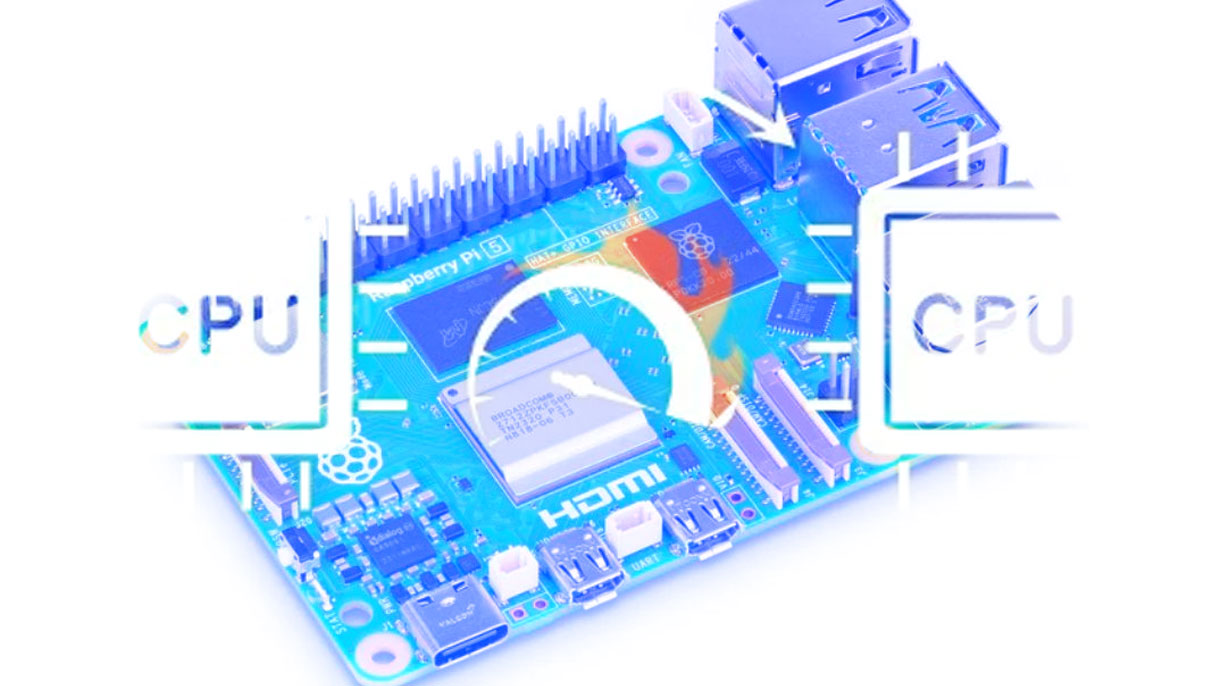
Raspberry Pi 5
sudo vim /boot/firmware/config.txt
Default: CPU 2.4GHz - GPU 800 MHz - Over_voltage 0
Moderate Overclock: 2.6 to 2.8GHz - 900 to 1000MHz - 2 to 4
Aggressive Overclock: 3.0GHz - 1100MHz - 5 to 6
Extreme Overclock (Risky): 3.1+GHz - 1200+MHz - 7+ (not recommended)
You can monitor the CPU frequency with: watch -n 1 vcgencmd measure_clock arm
You can monitor the CPU temperature with: watch -n 1 vcgencmd measure_temp
You can monitor whether the CPU is throttled with: watch -n 1 vcgencmd get_throttledsudo reboot