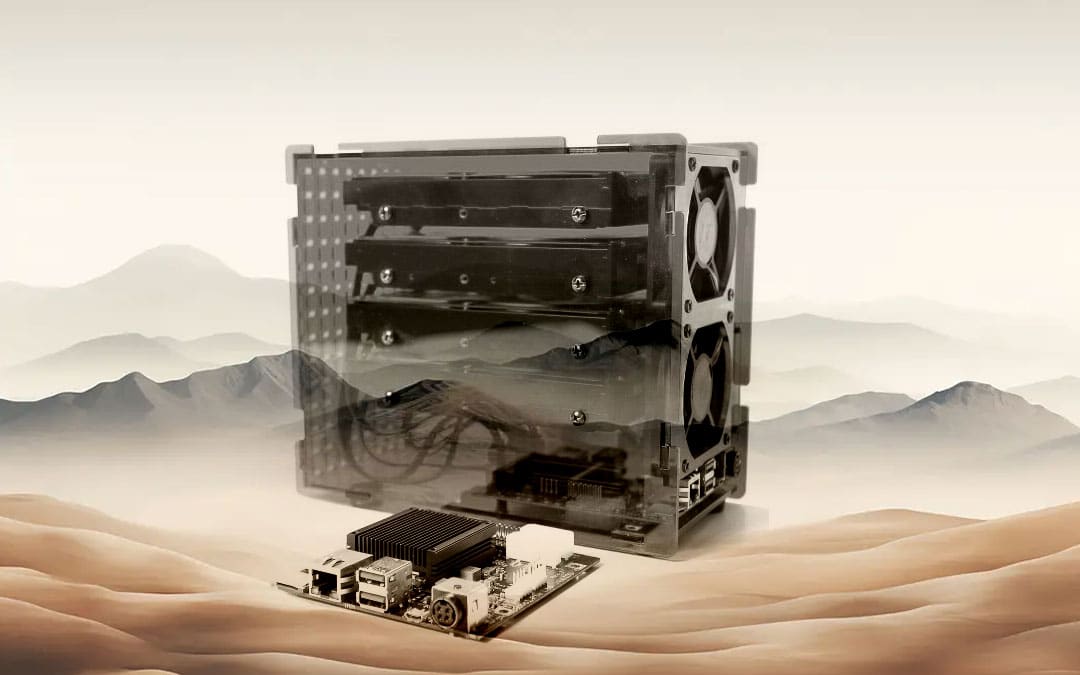
This article is for Helios 4. For Helios 64 it is here.
It is very hard to find a stable version with OMV.
Here you will find images (100% stable and full tested) to burn on an SD Card
1// Base: Armbian 23.02.2 BullsEye
- All upgrade ok > https://fi.mirror.armbian.de/archive/helios4/archive/
- Installed OpenMediaVault 6.9.16-1 (Shaitan), with default password : admin/openmediavault
- Installed Vim and lm-sensors
- Installed OMV Extras PlugIns
- Configuration screen I2C (OLED) (sys-oled –display sh1106) ok
- Root password: ubuntu
- Simple user: ubuntu – password : ubuntu (or admin/openmediavault)
- Locales generated: fr_BE.UTF-8
- Network: DHCP
- Hostname: helios4
2// Base: Armbian_24.2.1_Helios4_BookWorm_current_6.6.16.img.xz
- All upgrade ok > Armbian 24.5.1
- Install OpenMediaVault 7.3.0-5 (Sandworm), with default password : admin/openmediavault
- Install Vim and lm-sensors
- Install OMV Extras PlugIns
Configuration screen I2C (OLED)- Root password: ubuntu
- User: ubuntu – password: ubuntu
- Locales generated: fr_BE.UTF-8
- Network: DHCP
2.1// Update:
v25.2.3 for Helios4 running Armbian Linux 5.15.93
Packages: Debian rolling (bullseye), possible distro upgrade (bookworm)
IP addresses: (LAN) IPv4: 192.168.1.69
3// Replace the structure
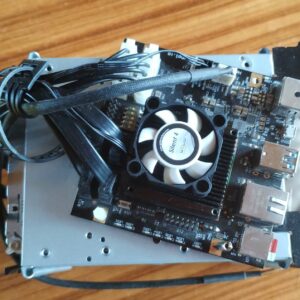
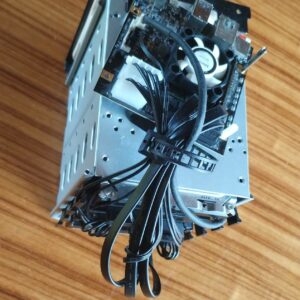
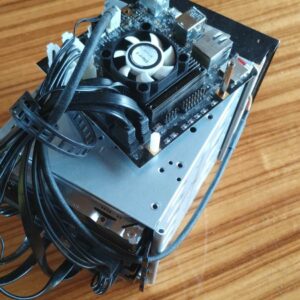
The blue plastic isn’t very sturdy. Fortunately, there’s a workaround using a metal bracket with four hard drive bays.
Add a small, quiet fan to the CPU; otherwise, the temperature will exceed 90°C under full load.